 Episode Atlas
8 November 2026
Autumn updates: theme search, Watch tonight, and sharper discovery
Since our August look at ratings, notes, and On This Day, the autumn work has been about helping you find the right episode faster — and knowing what to watch when the queue is empty. Here is what is new for fans using the site.
Search by theme
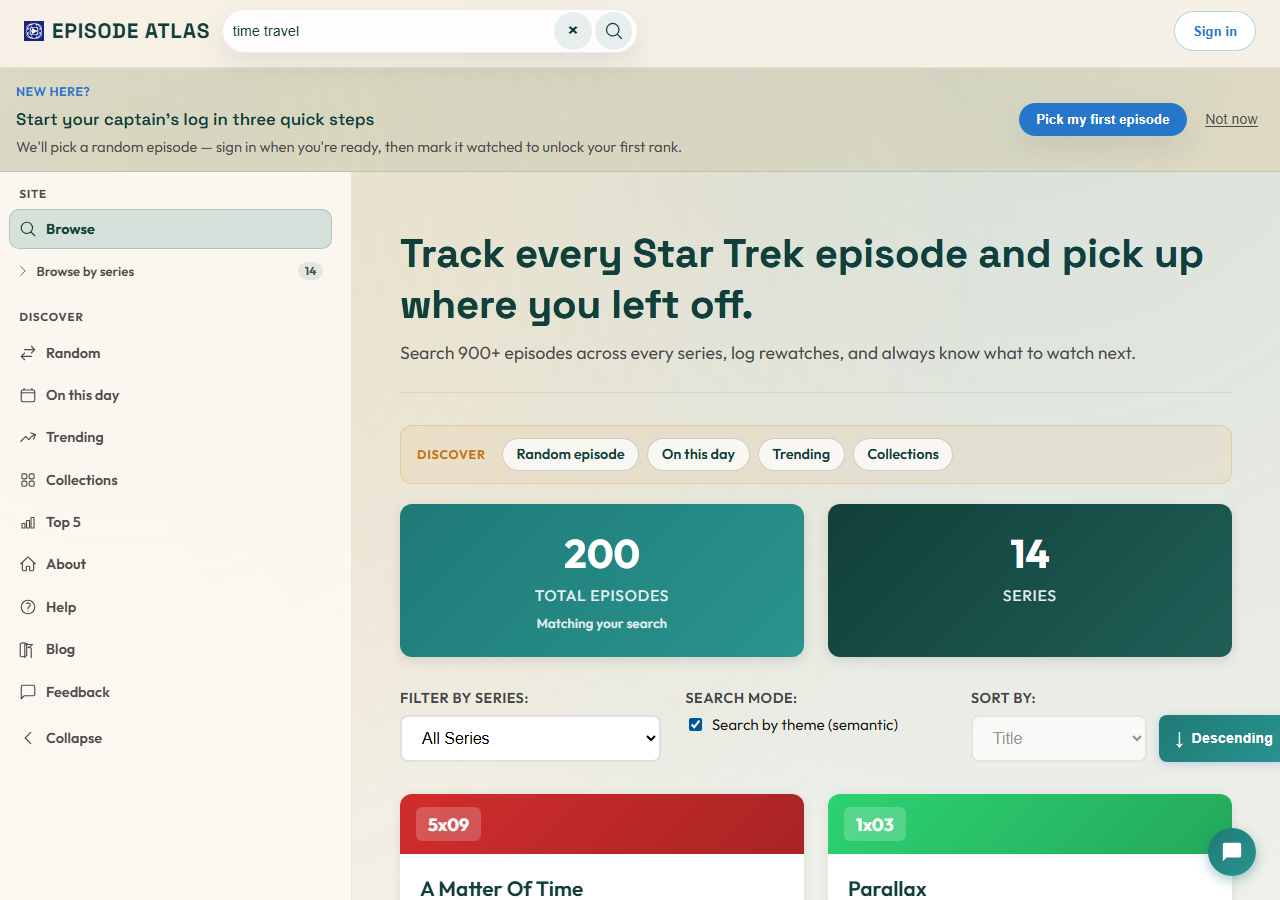
Classic search is great when you know the title. When you only remember “something about time travel” or “holodeck gone wrong”, that used to come up empty.
On Browse, start a search and tick Search by theme (semantic). Episode Atlas ranks episodes by theme and synopsis rather than exact title matches — so “time travel” can surface stories that never put those words in the episode name. Classic substring search stays the default; the toggle appears once a search is active.
Watch tonight
Stuck on Watch Next with an empty queue — or a long list and no idea where to start? Signed-in fans now get a Watch tonight strip of personal picks.
Suggestions lean on your progress: series gaps, tag affinity, and theme neighbours, with short spoiler-safe reasons. Add a pick to Watch Next in one tap, or open the episode and go. The section shows whether the queue is empty or already busy, so “what should I watch?” has an answer either way.
Smarter “If you liked this”
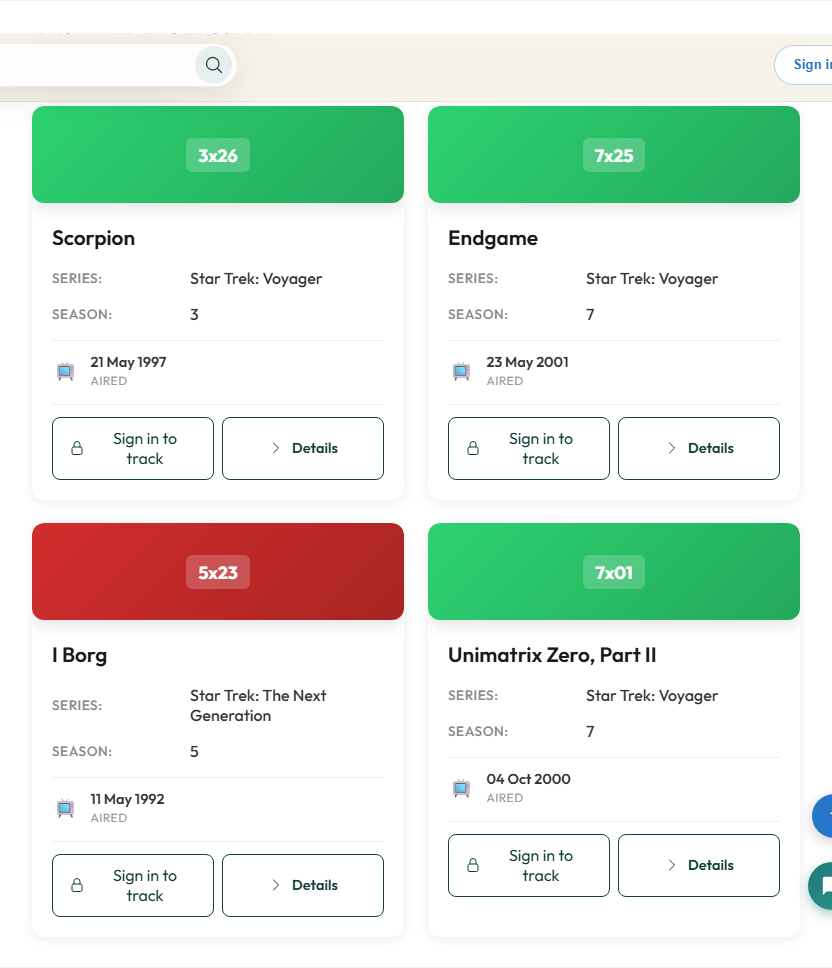
Episode pages already offered related picks. Those neighbours are smarter now: when the catalogue has theme embeddings, “If you liked this episode” leans on similar stories across the franchise — still spoiler-safe, still easy to mark watched from the card.
Guides and “more from this series” remain nearby when you want a curated path or the next story in broadcast order.
Random by era
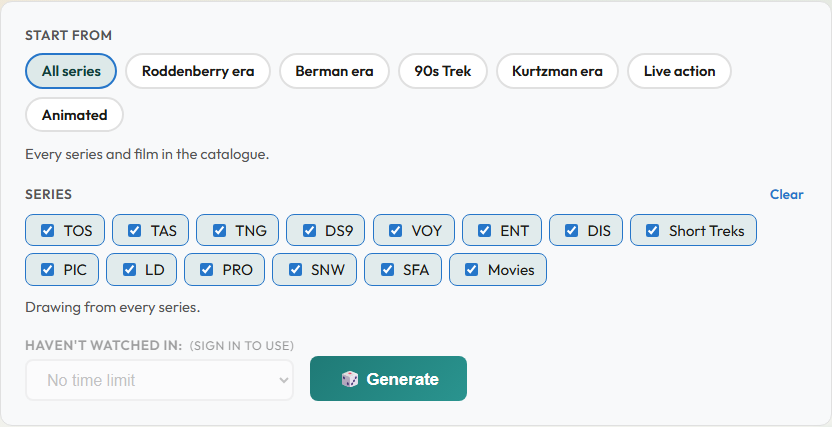
The Random episode generator can start from an era instead of a single series: Roddenberry, Berman, 90s Trek, Kurtzman, live action, or animated. Mix individual series as before, then hit Generate.
Signed-in fans can also limit picks to episodes they have not watched recently — useful when you want surprise without repeating last week’s rewatch.
Trending you can slice
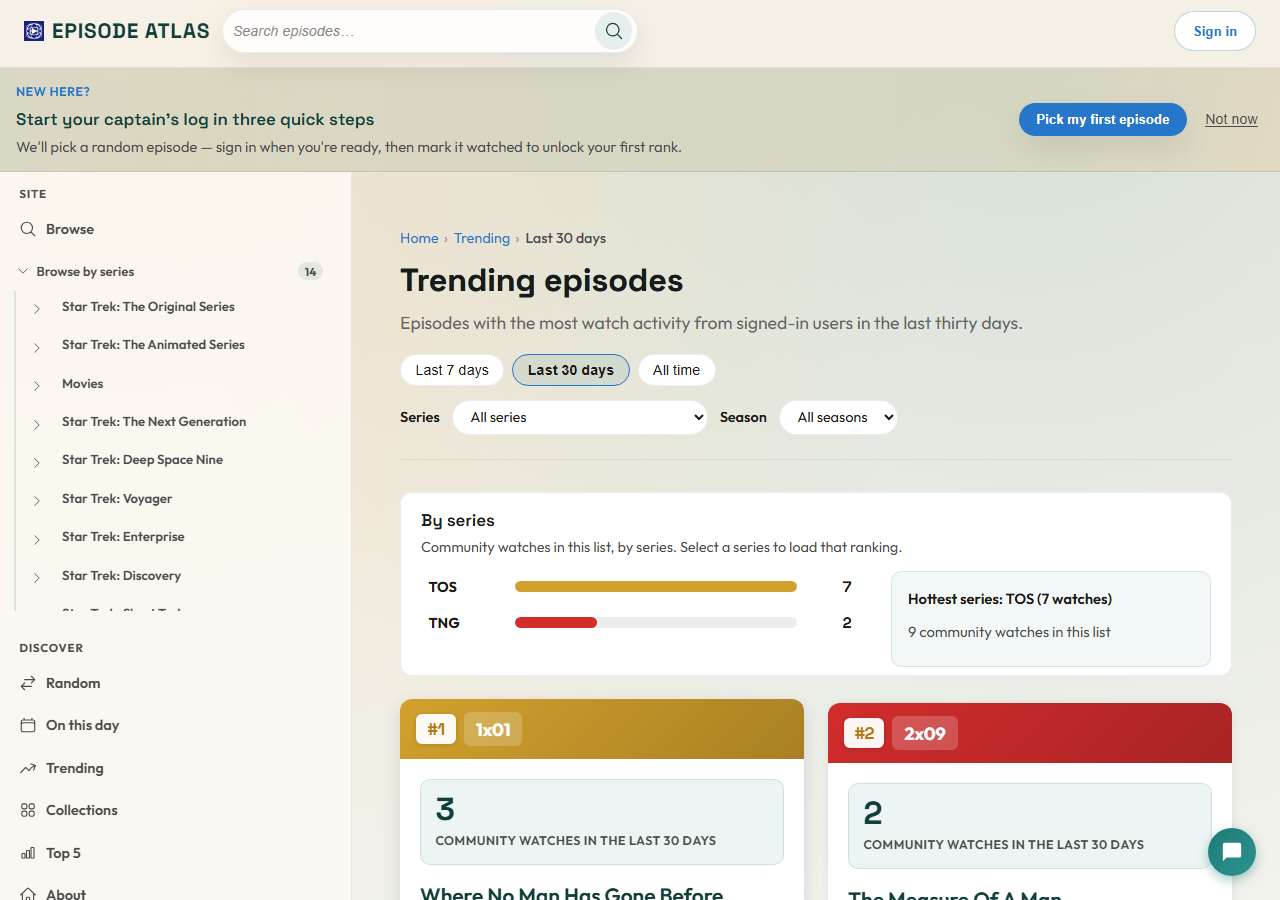
Trending still has Last 7 days, Last 30 days, and All time. You can now narrow the list to a series or season, and a short “by series” summary shows where community watches clustered in that window — handy when you care about TNG tonight, not the whole fleet.
Keep going after you watch
Signed-in sessions got gentler loops for “what next?”:
- A Watch Next continue hero on browse when you already have a queue head.
- A Keep going panel on episode pages after you mark something watched.
- An occasional rewatch session prompt when you have been browsing episodes you already logged — easy to dismiss for a week.
Guests see clearer reasons to sign in when tracking would actually help, without blocking browse.
A Help guide, and a fresher look
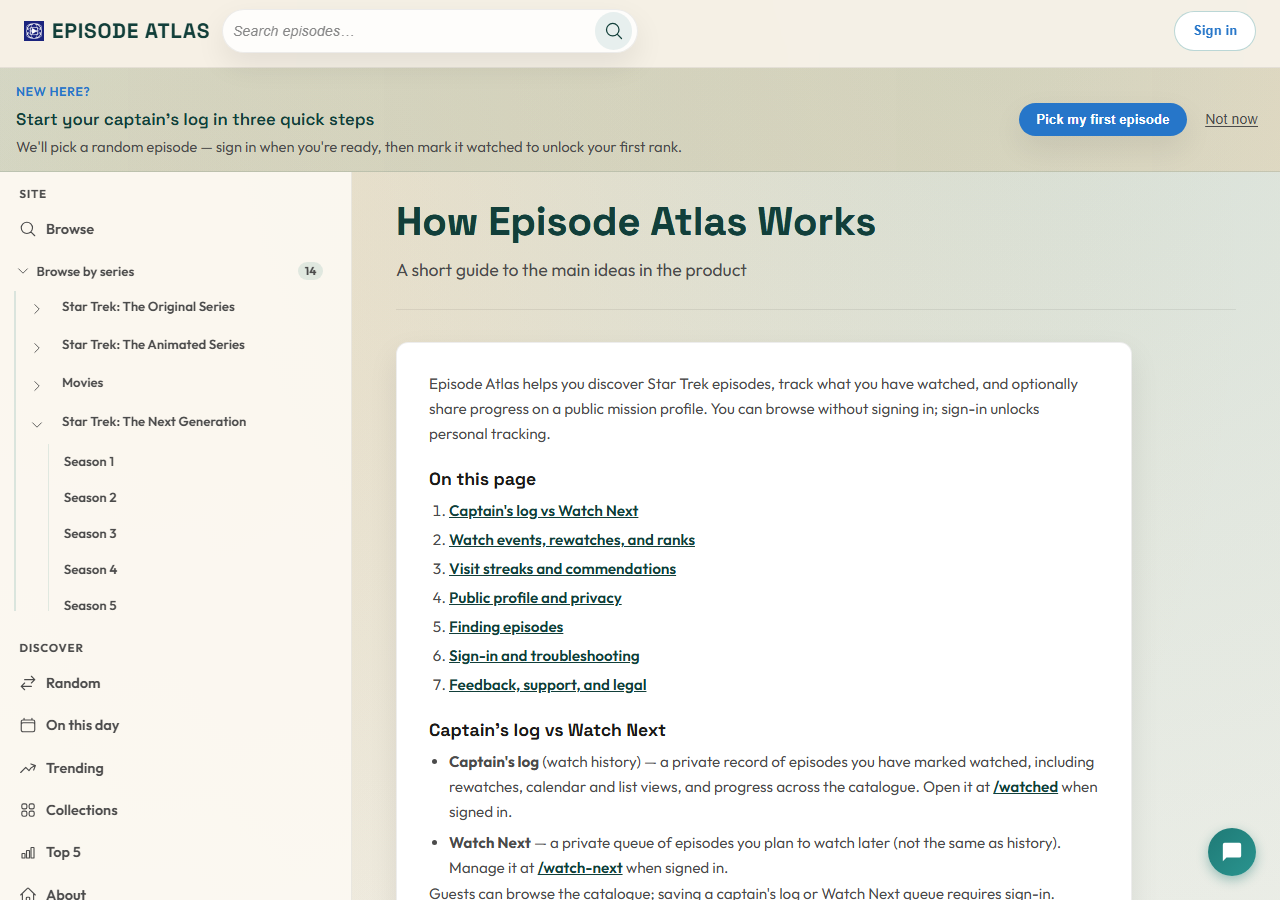
New to the site? Open How Episode Atlas Works for a short guide: captain's log vs Watch Next, ranks and rewatches, visit streaks, public profiles, and sign-in tips.
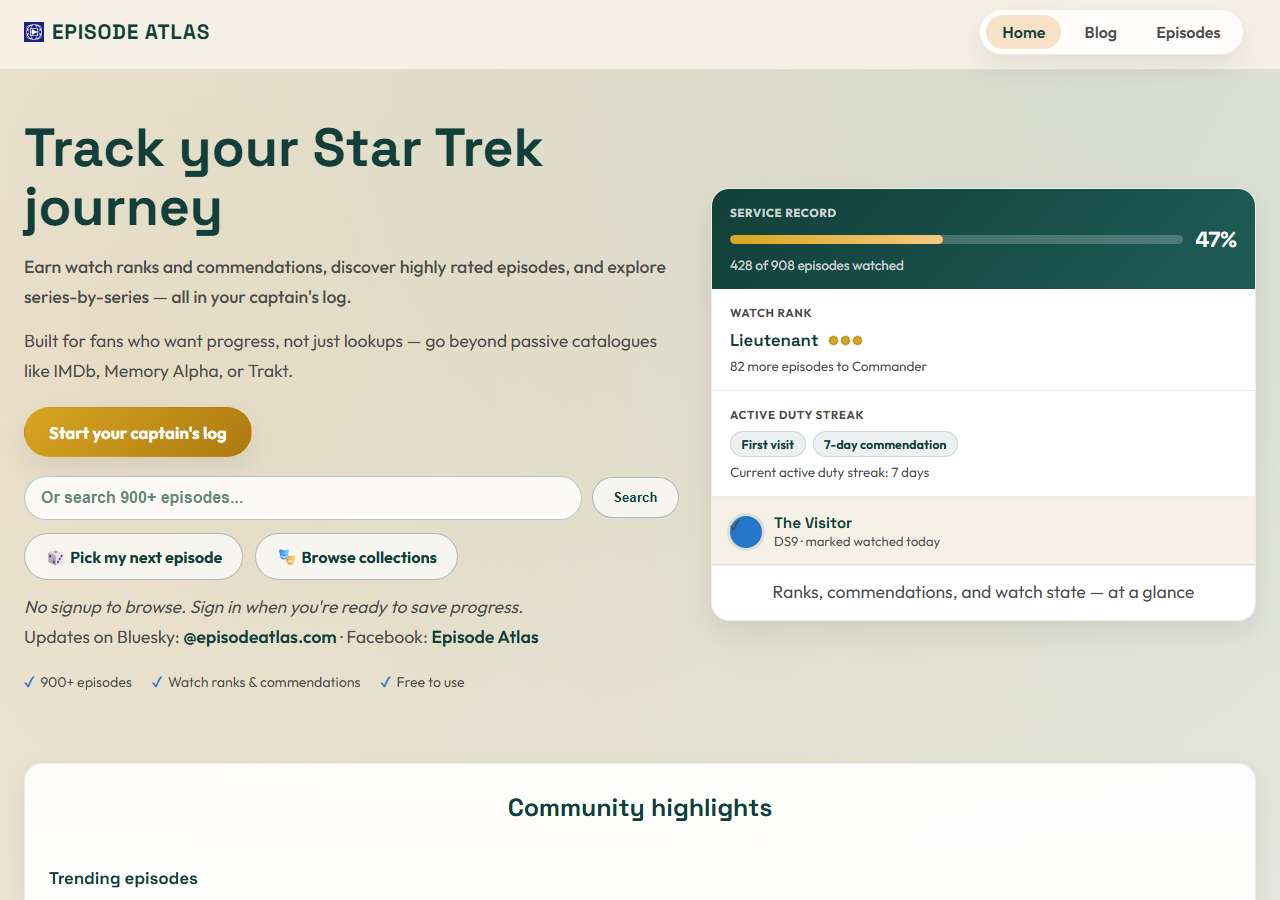
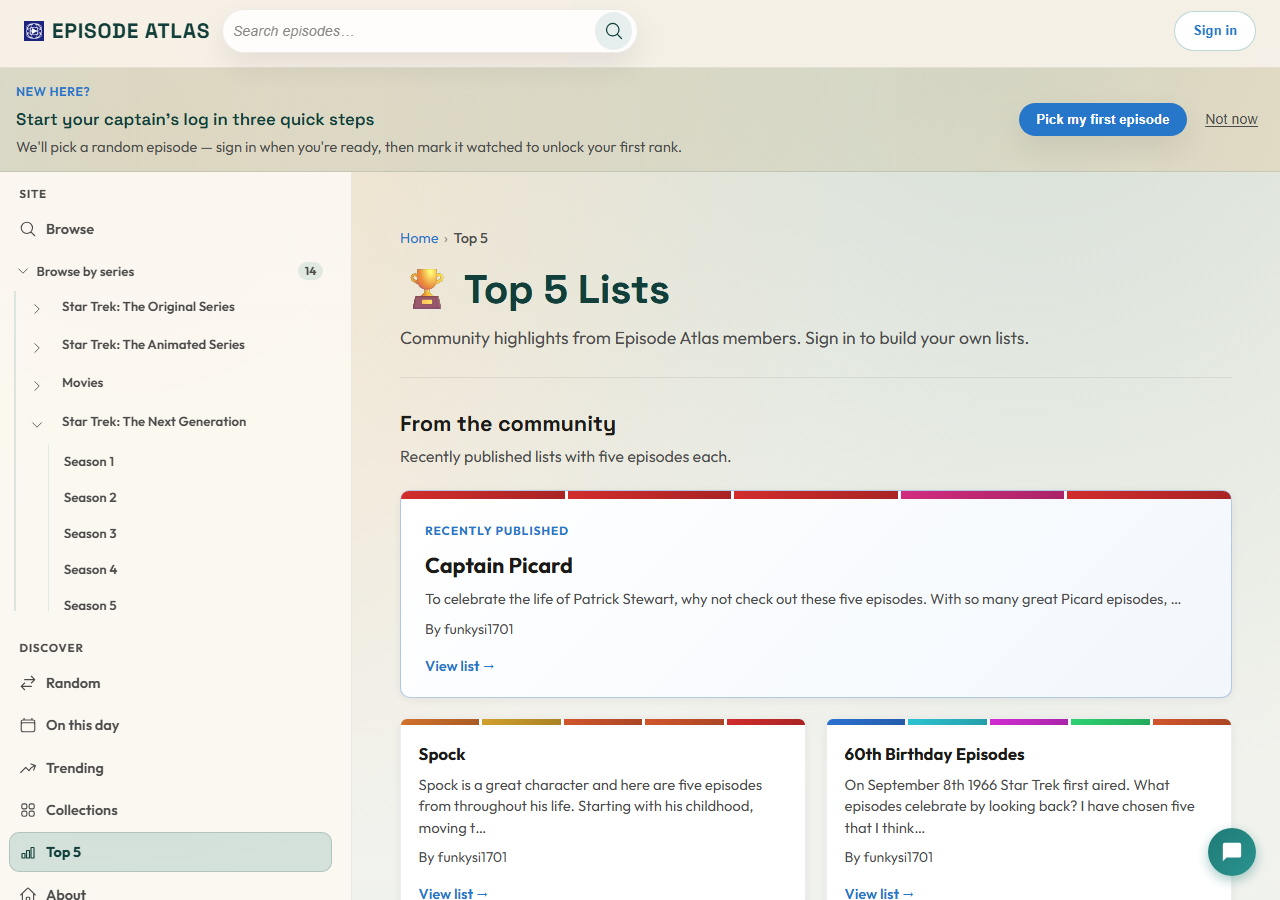
The site also picked up a colour refresh: series accents on the home page, clearer Top 5 list cards, and small polish on episode cards so daily use feels sharper without changing how anything works.
Where to start
Pick whichever sounds fun tonight:
- Search for a theme on Browse and enable Search by theme.
- Sign in, open Watch Next, and try a Watch tonight pick.
- Roll the dice with an era preset on Random.
- Filter Trending to a favourite series.
- Skim Help if you want the mental model in one page.
As always, the core site stays free. If Episode Atlas has helped your rewatch and you want to chip in toward hosting and development, there is an optional support page — nothing here is paywalled.
Live long and prosper. 🖖